Features
STAMPY's features are split into what the partner runs and what the visitor experiences.
What the partner runs
Events and places
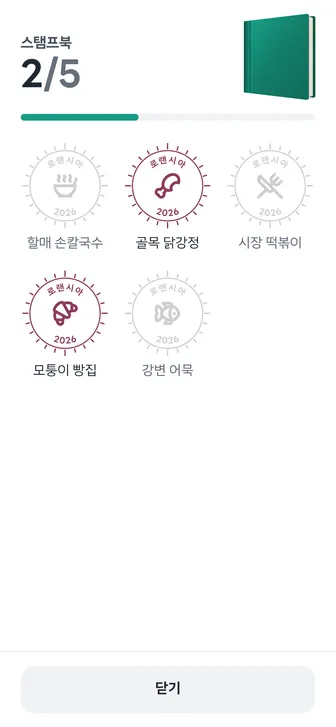
A participant can collect each place's stamp only once. Every place can also carry one link, such as an exhibitor's consultation form or a shop's reservation page.
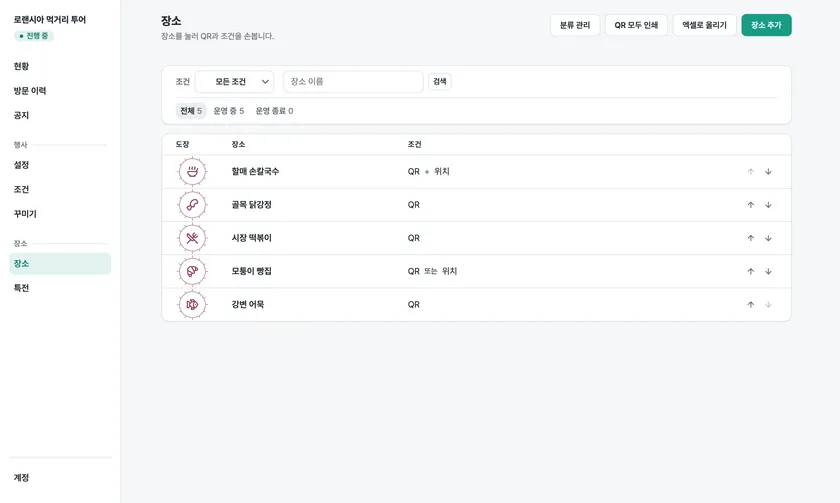
Pick a verification method for each place
Visit verification confirms that a visitor was really there. The method is chosen per place and can be mixed within one event. It never asks who the visitor is.
| Method | What the visitor does | App |
|---|---|---|
| QR | Scanning the QR code on site opens the screen | Not needed |
| Screen QR | The code changes every minute, so a forwarded photo stops working within two minutes | Not needed |
| NFC | Holding the phone near the card opens the screen on its own, and it cannot be passed on as a photo | Not needed |
| NFC+ | Open the app and hold the phone near the card to confirm, which also blocks cloning and forwarding | Required |
| Location | Tap "Location check" near the place. Coordinates are never stored | Not needed |
| Staff confirmation | A staff member scans the confirmation QR on the visitor's screen | Staff only |
QR codes and NFC cards stay valid
The address in a QR code or NFC card holds no event or place name, so you can rename a place or change its conditions during the event without making new ones.
Staff can confirm visits in person
At a trade show booth, you can give the stamp only to people who finished a demo or consultation. Put it in a set separate from the NFC card, and staff can confirm in its place if the card breaks.
Hand out only as many perks as you prepared
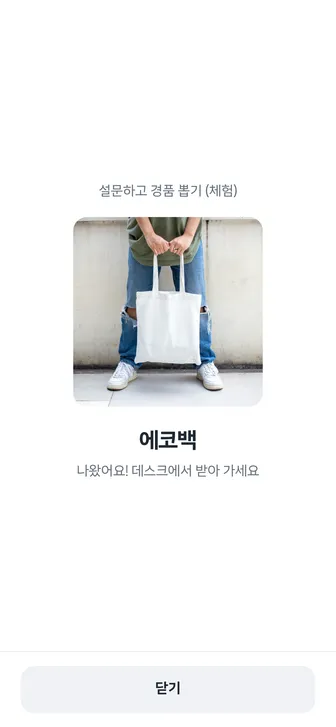
When staff at the prize desk scan the confirmation QR and hand the prize over, the record shows when it was handed over and by which staff member. Visitors see how many are left, as in "12 left", and if you turn on "Refill daily", the stock resets each day.
Prizes are picked at random at the desk
Set the odds and the stock for each prize. The prize is picked the moment staff scan the confirmation QR, and staff and visitor see the same result. No one draws a blank, since any remaining chance goes to the participation prize.
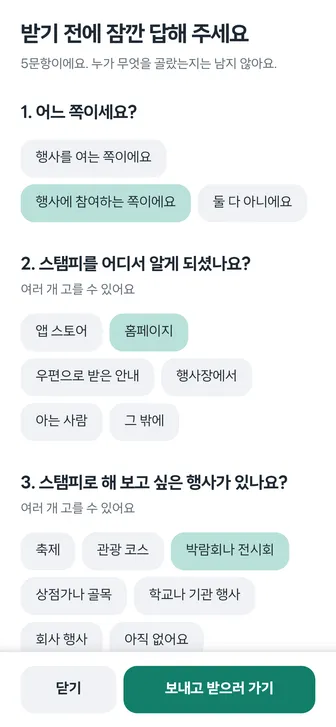
Surveys come before the perk
Attach multiple-choice questions such as age group or satisfaction to a perk, and visitors answer before collecting it. Answers are not linked to who gave them.
Partner console
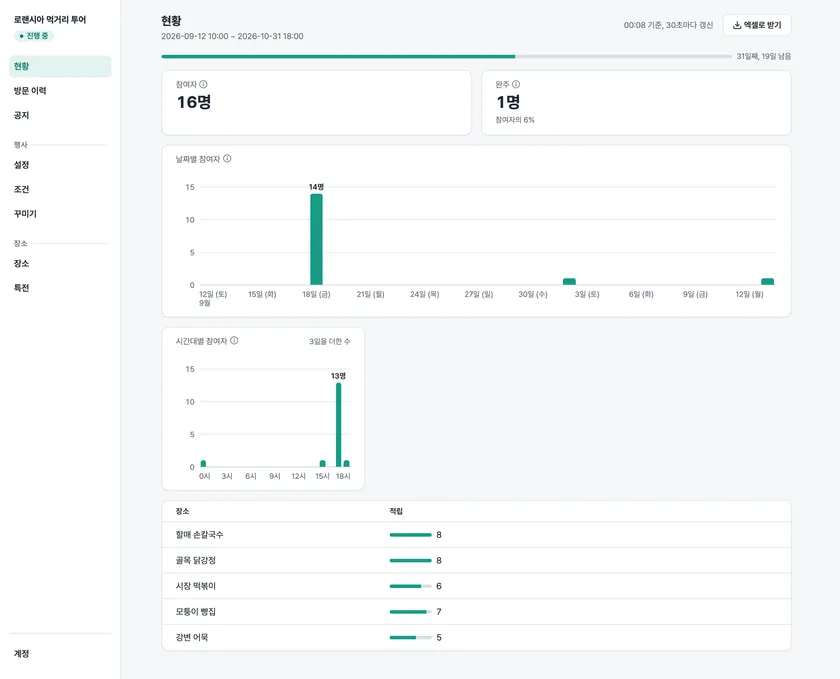
Watch participants and completions live, and download results by day, by hour, and by place in Excel, even during the event. If stamps keep coming in at other places but one place stays empty, it is time to check that place. People who started collecting its stamp but did not get it appear as "people trying".
What the visitor experiences
A different look per event
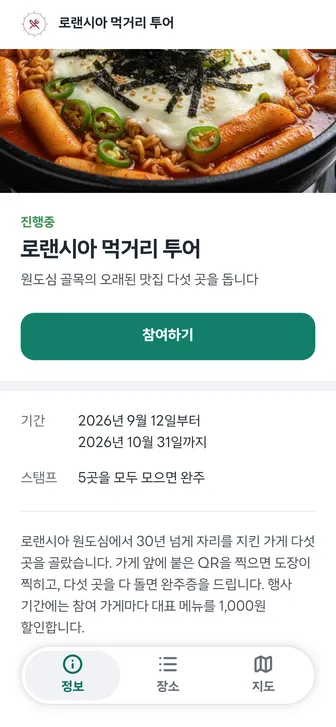
Visitors see the event's own cover, stamp, stamp book cover, and illustrated map.
Indoor venues use a floor plan
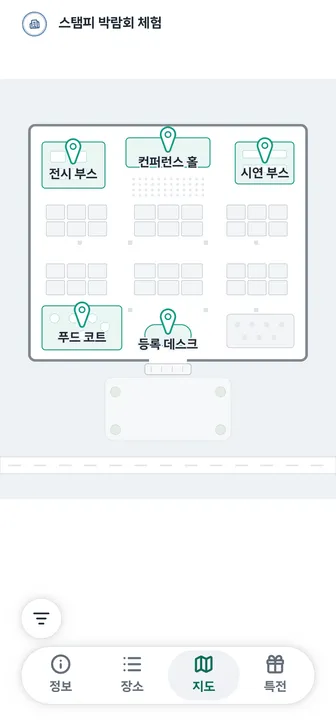
Upload a floor plan and pin each place on it, and visitors find the booths on the plan. They can also filter by a category such as hands-on or food.
Completion and certificates
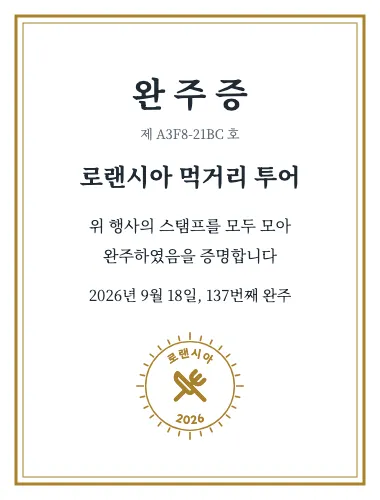
Collecting the stamp at every active place completes the tour, in any order. The certificate outlives the event, and its number can be checked when you hand out prizes.
The app is optional
Visitors can take part from start to finish on the web. The app is needed only for stamps at NFC+ places and for prize draws where the partner requires a Kakao or LINE link. Installing the app never earns extra stamps or rewards.