













One tap,stamped

Place visit points across an event or venue, and visitors take part on the spot with the QR code or NFC tag in front of them. Nothing to install.

How it works

  1. Create the points in the console

    Create the points in the console

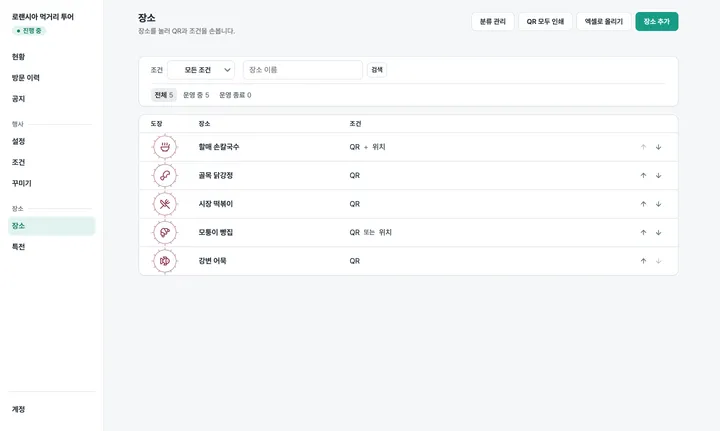
    Create the event and its visit points, and choose how each one proves a visit.

  2. Put a QR code or NFC tag on site

    Stick up a printed QR code or place an NFC card. The address never changes, so it works at the next event too.

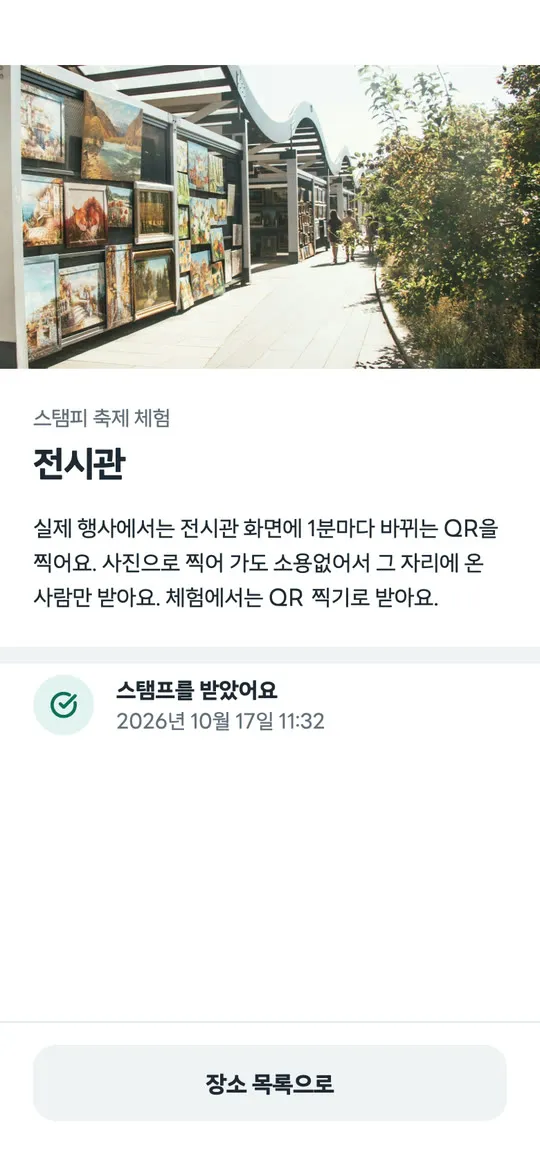
  3. Visitors tap with their phone

    Visitors tap with their phone

    They take part straight from the browser and the stamp lands on the spot. No install, no sign-up.

Features

Where it is used

Web and app

By default visitors finish on the web with nothing installed. The app adds conveniences for those who install it.

ItemWebApp
Starting outStraight from the browser after a QR scan or NFC tapSame
QR, screen QR, NFC, staff confirmationYesYes
NFC+ pointsNoYes
Moving between eventsThat event onlyYes
On-site staff modeNoYes

A visit is only proven on site

Whether it is valid, and whether it was already earned, is decided by the service, not by the visitor's phone.

MethodWhat the visitor doesApp
QRScanning the QR code on site opens the screenNot needed
Screen QRScanning the QR code on a display at the point opens the screen. The code changes every minute, so a forwarded photo does not workNot needed
NFCHolding the phone near the tag opens the screen on its ownNot needed
NFC+Open the app, hold the phone near the tag, and it is done. Blocks cloning and forwardingRequired
Staff confirmationA staff member scans the confirmation QR on your screenStaff only

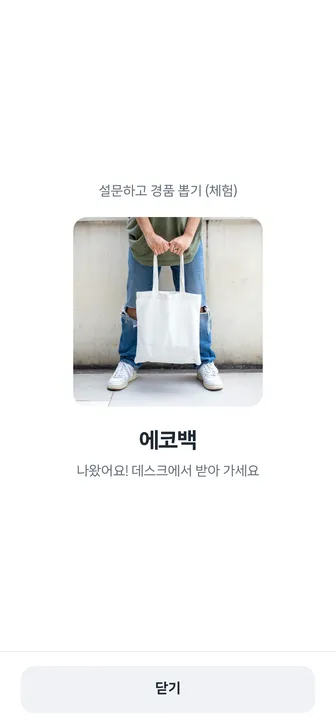
Finish the round and the certificate stays

It outlives the event. When you hand out prizes, check the certificate number.

Certificate of completion

How to start

  1. Tell us the event or venue, the dates and how many points
  2. We create the event and invite your console account
  3. Create the points and choose how each is verified
  4. Print and place the QR codes; NFC cards are assigned by us
  5. Opening day. Visitors tap on site
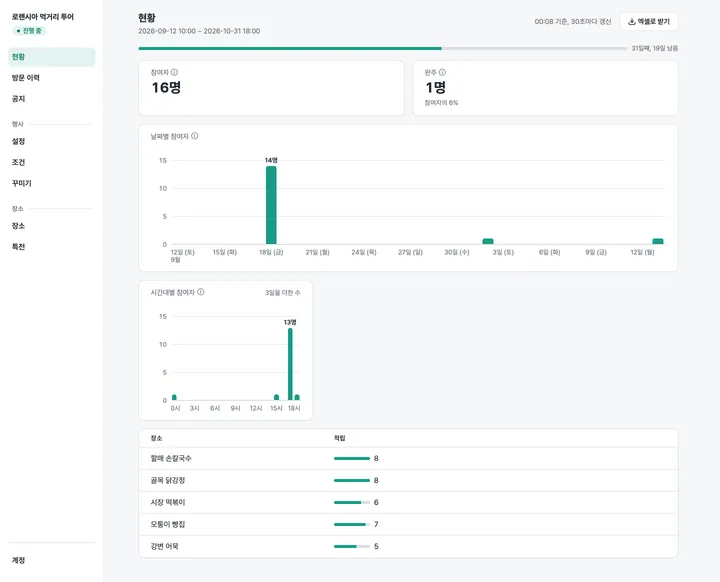
  6. Watch participants, completions and per-point figures in the console

Frequently asked questions

Do visitors have to install the app?

No. By default visitors finish on the web with nothing installed. Scanning the QR code on site, or holding a phone near the NFC tag, takes them straight into the browser. The app is optional and adds conveniences that are hard to deliver on the web. The one exception is a point where the partner chose NFC+, which needs the app.

What does it cost?

STAMPY charges once per event. Pick a plan by the number of points and the duration, then add only the verification methods and perks you need. It starts at ₩800,000 before VAT. The four plans and the option prices are on the pricing page, and if you tell us the event or venue, the dates and the number of points, we will send a quote.

Can someone earn a stamp without coming to the site?

A stamp is only earned by verifying a visit through the QR code or NFC tag installed on site. For points where a forwarded address must not work, use NFC+ or staff confirmation, which cannot be cloned or passed on, or a screen QR that changes every minute if visitors should not need the app. Whether a verification is valid, and whether to grant the stamp, is decided by the service, not by the visitor's device.

Do the QR codes on site need replacing later?

No. The QR codes and NFC tags you install on site carry permanent addresses that never need replacing. They work at the next event too, so nothing has to be reprinted.

What happens to collected stamps if a visitor changes phones?

Link Apple, Google, Kakao or LINE in the app and the stamps follow you to a new phone or a fresh install. Linking is app-only: participation on the web, or in the app without linking, stays on that device, and changing phone or browser starts a new participation.

See all questions

We will open your first event with you

Tell us the event or venue, the dates and how many points, and we will get back to you.

Contact us